Why gestures matter
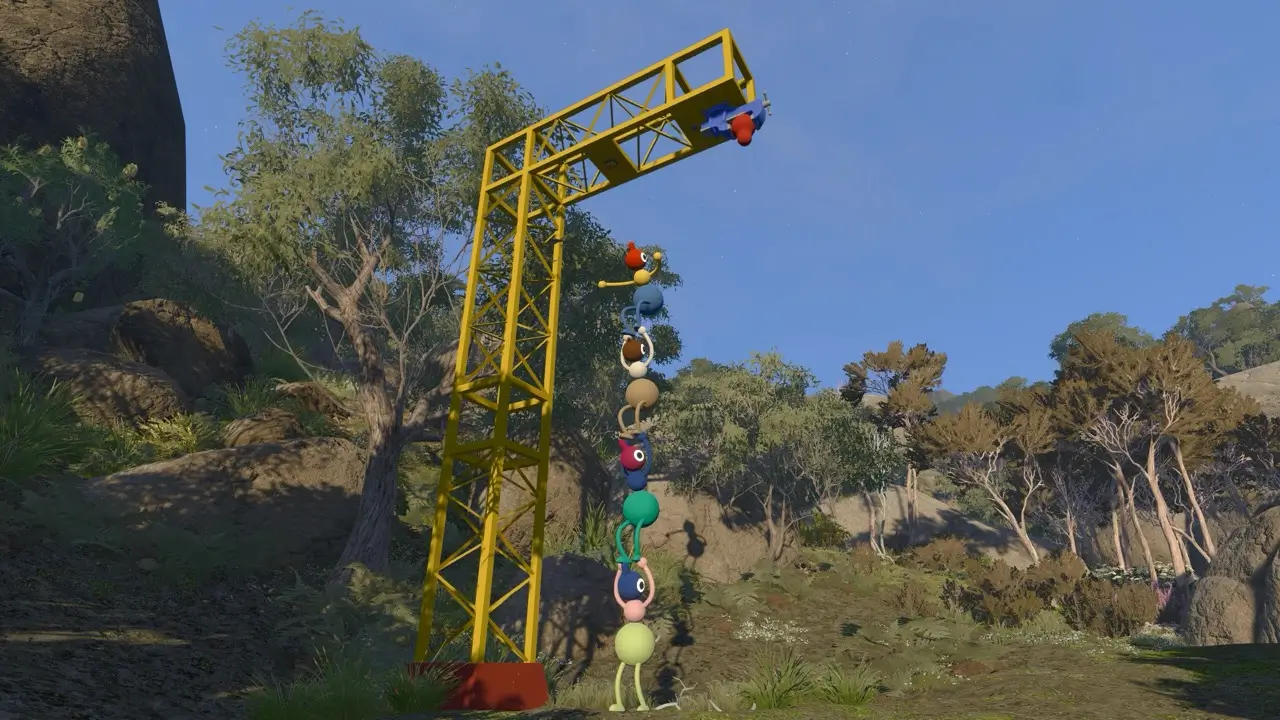
Big Walk treats movement and body language as part of the communication system. When distance, walls, soundproof glass or missing equipment block normal speech, players still need to point, wave, hold position and create simple signals.
PlayStation Blog's hands-on report highlights independent arm movement as a standout early control detail, while ScreenHype's beginner guide notes keyboard arm signals as useful nonverbal communication.
Control and input reference
Keep this table as a source-backed reference rather than a full keybinding chart. Exact bindings can be changed through the game's options, according to the official FAQ.
| Action or system | What it helps with | Source note |
|---|---|---|
| Run, jump, crouch and sit | Basic movement, exploration and puzzle positioning | PlayStation Blog describes these as part of the hands-on tutorial flow. |
| Independent arm movement | Waving, signaling, pointing and improvised puzzle language | PlayStation Blog cites shoulder/trigger controls on PlayStation; verify other platforms in-game. |
| Keyboard arm signals | Quick left/right arm gestures on PC | ScreenHype notes Q and E as keyboard defaults for left and right arm signaling. |
| Pointing | Directing teammates toward objects, routes or puzzle targets | Steam, PlayStation Blog and media coverage all frame gestures as communication. |
| Text chat | Playing without a microphone while keeping in-game distance limits | Official FAQ says text chat follows the same designed limits as voice. |
| Rebinding controls | Moving actions to comfortable keys or buttons | Official FAQ lists full control rebinding. |
| Hold or toggle options | Reducing sustained input strain | Official FAQ lists hold/toggle choices. |
| Field of view and motion reduction | Comfort and accessibility during movement | Official FAQ lists FOV and motion-reduction options. |
Signal patterns that document well
When writing puzzle guides, describe the signal pattern your group used instead of assuming every reader will solve it by voice. Good examples are: one arm raise per number, repeated jumps for timing, laser-pointer taps toward a target and lantern placement at a destination.
If a puzzle becomes harder at night, record whether the signal failed because of darkness, distance or obstruction. That is more useful than saying the puzzle is simply hard.
Accessibility note
The official FAQ says controls can be rebound and inaccessible challenges can be skipped through accessibility settings. That gives guide pages a responsibility: include the intended method, but avoid framing a skipped challenge as a failed run.
For pages that require timed presses or precise gestures, record whether the sequence was tested with hold/toggle settings and whether a slower communication plan worked.
Sources & attribution
Control rebinding, hold/toggle settings, text chat and accessibility options.
SteamBig Walk on SteamStore categories for full controller support, camera comfort, color alternatives and playable-without-timed-input metadata.
PlayStation BlogBig Walk hands-on report2026-03-09Hands-on notes about movement, arm controls, pointing and co-op signals.
ScreenHype10 Beginner Tips You Should Know Before You Start Your Big Walk AdventureLyssa Greywood - 2026-08-04Keyboard arm-signal and nonverbal communication notes.