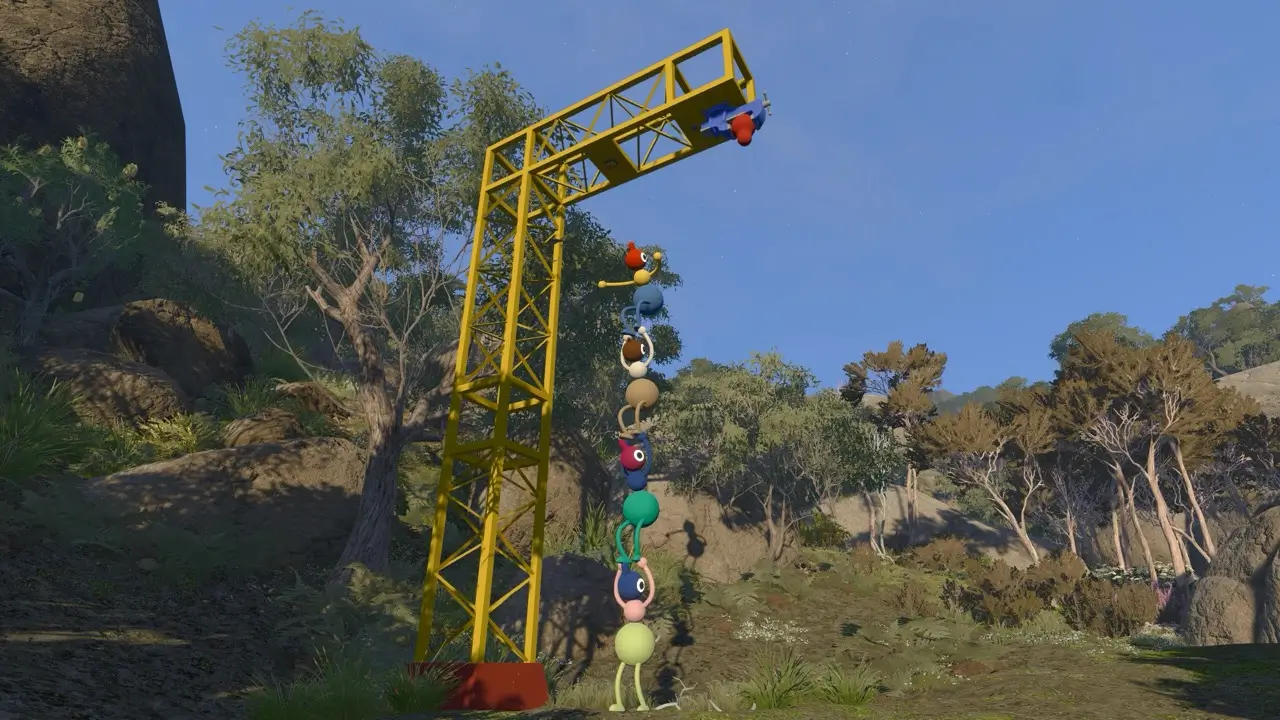
Use the in-game chat systems
Big Walk is designed around in-game voice and text chat. Distance, walls, soundproof spaces and tools can limit or reshape what your group hears or reads, so external voice chat removes part of the intended puzzle language.
Players without a microphone can still participate through text chat. The official FAQ says text follows the same designed limits as voice, including distance and item interactions.
Long-distance and nonverbal tools
When the group splits up, treat tools as communication gear rather than flavor props. The exact tool you choose should match the problem: pointing at a target, marking a path, relaying a message or simply helping someone find the group again.
| Tool or action | Use it for | Notes |
|---|---|---|
| Walkie-talkies | Coordinating beyond normal voice range | Text chat can also work with in-game communication items according to the official FAQ. |
| Radio transmitters | Broadcasting a message to receivers | ScreenHype highlights them as a strong long-distance option. |
| Megaphones | Carrying a voice farther | Useful when normal proximity chat is too limited. |
| Laser pointers | Marking targets and routes | Good for silent pointing when the group shares line of sight. |
| Flares and lanterns | Regrouping and visibility | Use them as landmarks, especially at night or after splitting up. |
| Arm signals | Gesturing when words are awkward or blocked | ScreenHype notes keyboard defaults of Q and E for left and right arms. |
Getting separated
Before the group scatters, agree on a visible return point such as the Map Room, a tower, a lit lantern, a shortcut gate or a shoreline landmark. If someone disappears beyond chat range, do not all wander in different directions; one player should hold the meeting point while another searches.
Shortcuts matter for communication because they make the island easier to describe. ScreenHype points to gates and tunnels as major shortcut types, with several gates around the red area and near the Map Room.
Beginner communication checklist
For new players, the tutorial area is worth doing slowly. It introduces arm movement, buttons, lights and playful objects without turning the first minutes into a lecture.
- Try both voice and text before the first real puzzle.
- Practice arm gestures and pointing in the tutorial area.
- Give landmarks simple names your whole group will remember.
- Keep at least one long-range communication item with a scout.
- Use in-game systems even if a separate voice app would be easier.
Sources & attribution
Voice, text, external-chat guidance and accessibility context.
ScreenHype10 Beginner Tips You Should Know Before You Start Your Big Walk AdventureLyssa Greywood - 2026-08-04Lantern, long-distance communication, arm signal and shortcut notes.
ScreenHypeHow to Use the Radio Transmitters/Receivers in Big WalkLyssa Greywood - 2026-08-04Radio transmitter operation and location list.
House House / PanicBig Walk Press KitOfficial list of tools and proximity voice features.