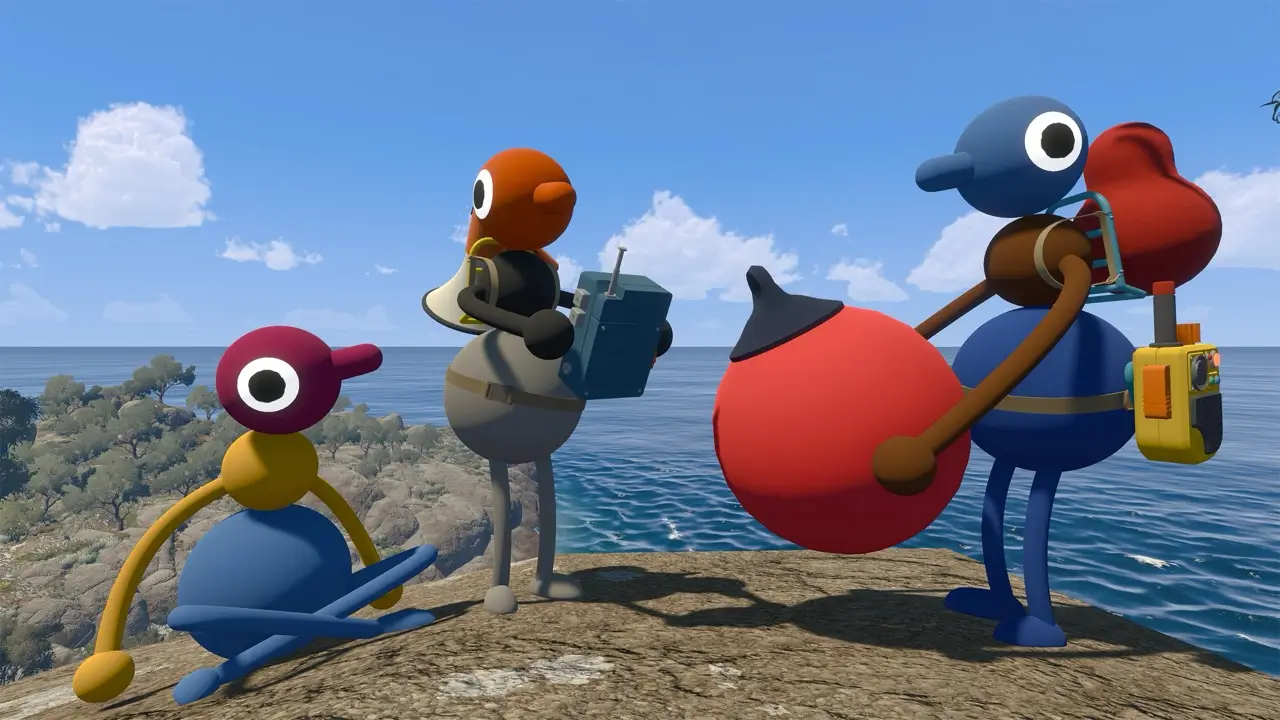
Officially confirmed input support
The official FAQ says the computer version supports mouse and keyboard as well as most game controllers. It also says Big Walk supports the Nintendo Switch 2 mouse mode.
All controls can be rebound through Settings > Rebinding. The FAQ also lists hold/toggle options for some controls, which can help players choose a more comfortable input style.
What is not published as a universal chart
House House's FAQ confirms the input systems, but it does not publish a complete, versioned action-by-action key map for every platform. This page intentionally does not invent PS5, Switch 2 or PC bindings from screenshots or a different controller layout.
For exact bindings, open the game's Settings > Rebinding menu on the platform you are using. Record both the platform and game version when sharing a control correction.
Communication and comfort settings
Voice and text chat are in-game systems. Text follows the same designed distance and obstruction limits as voice, so it is a full participation option rather than a separate external-chat workaround.
The official FAQ also lists multiple crosshair styles, adjustable FOV on PC and Mac, motion-reduction overlays and accessible-challenge skipping. These are settings to check before changing hardware or assuming an input issue.