What every group needs
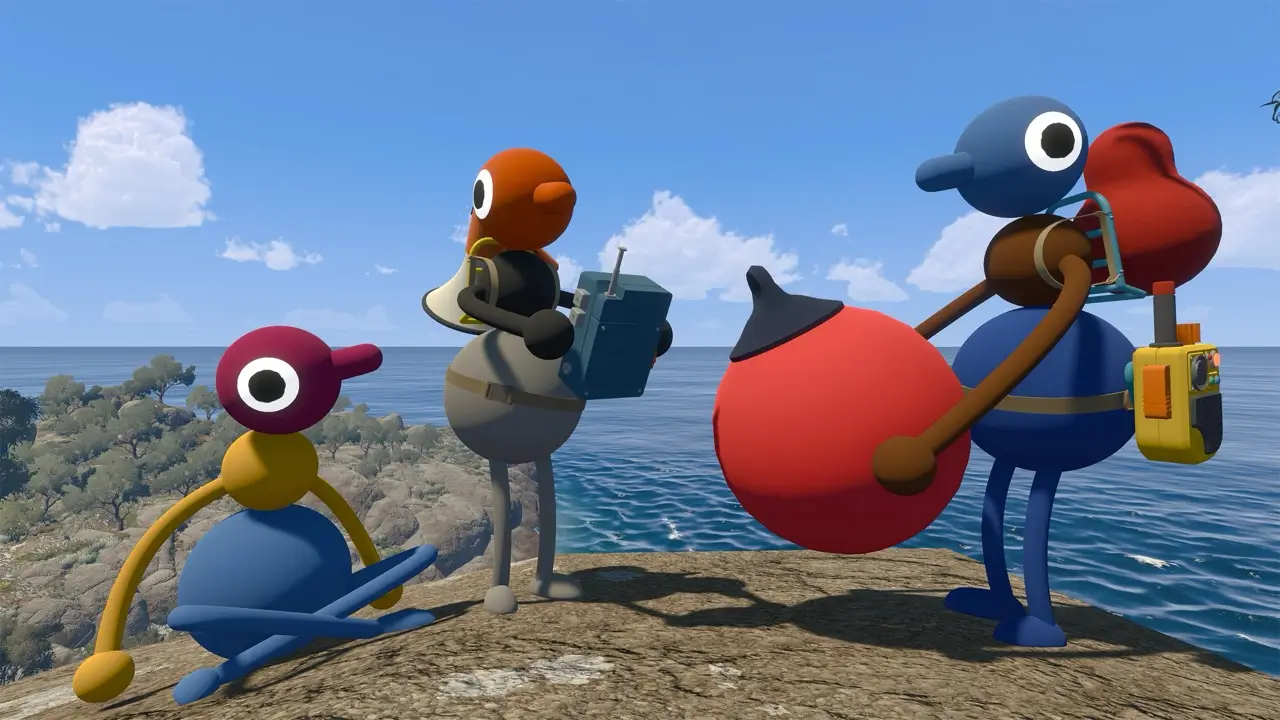
Big Walk is an online cooperative game for two to twelve players. Every player needs the game on a supported platform and a working internet connection. The host starts the session, keeps the save and must host again when the group returns.
There is no public matchmaking. Friends can join through their platform friends list when available, or the host can share the session's join code.
Before the host starts
Choose the world version for two players, three players or four-plus players based on the group expected to play. The official FAQ explains that parts of the world change to fit that choice.
Set a session password when you need to control who joins. The FAQ warns streamers not to expose a join code or password on screen.
Platform account and subscription checks
Use your platform's official product page or checkout flow to confirm account, network and subscription requirements for your region. These terms can change by platform and country, so this wiki does not replace a storefront's live purchase notices.
For the Mac App Store version, the official FAQ specifically says Game Center is not supported for finding friends' games; use a join code instead.
When someone cannot join
First confirm that the host's character has loaded into the world, that every device has a working internet connection and that system clocks are accurate. The official FAQ then suggests completely closing and reopening Big Walk before trying again.
For a missing friend game, add each other as friends on the platform service or use the join code.