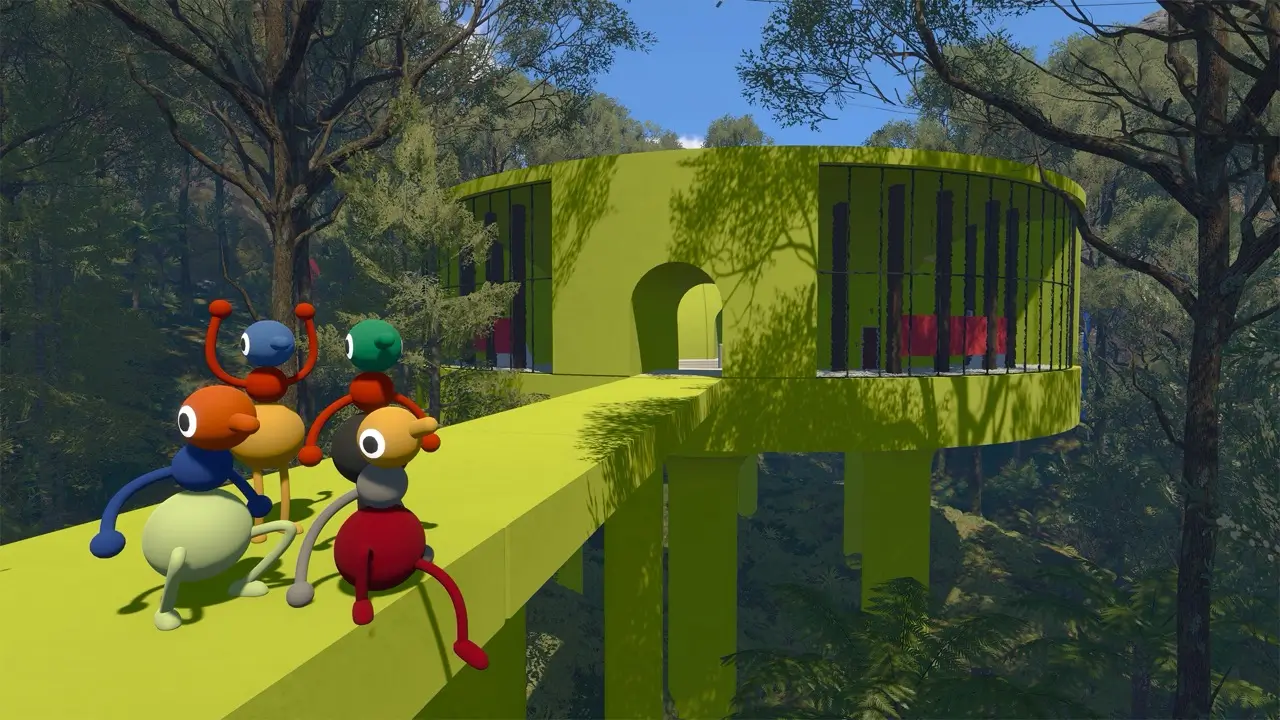
Accessibility options in the official FAQ
The official FAQ lists rebinding for all controls, hold or toggle input choices, field-of-view adjustments, motion-reduction options, item highlighting and the ability to skip any inaccessible challenge.
Text chat is part of the accessibility picture too because it follows the same in-game communication limits as voice chat, so players can stay inside the game's own puzzle language without relying on external apps.
| Setting | What it changes | Why it helps |
|---|---|---|
| Rebind controls | Change every input binding | Lets players move frequently used actions to comfortable keys or buttons. |
| Hold or toggle | Choose how several actions are performed | Helps players who prefer less sustained input. |
| Field of view | Widen or narrow the camera view | Can reduce motion discomfort and improve orientation. |
| Motion reduction | Reduce movement effects | Useful for players who are sensitive to camera motion. |
| Item highlighting | Make interactable objects easier to spot | Reduces visual searching in busy scenes. |
| Challenge skipping | Host can skip an inaccessible challenge | Keeps the group moving if a puzzle blocks access. |
| Text chat | Use text instead of voice | Lets players communicate without a microphone. |
Troubleshooting the common launch-day problems
Most early issues are ordinary setup problems: wrong audio device, controller mismatch, outdated graphics drivers or a host machine that is struggling to keep up. Big Walk's own support guidance points players first to audio levels, microphone activity, render scale, graphics quality and controller testing.
If the host is the one having trouble, lower the visual load before blaming the network. If everyone is hearing the same problem, it is usually a device or app conflict rather than a save issue.
| Symptom | Try this first |
|---|---|
| No sound or audio is too quiet | Raise in-game and system volume, then check the output device. |
| Mic is not detected | Confirm the input device and look for voice activity in the game. |
| Echo or feedback | Use headphones or mute duplicate voice apps. |
| Low frame rate or blurry image | Lower render scale and graphics quality, then update drivers. |
| Controller is not responding | Test the controller in Steam or the OS and rebind the input. |
| Connection stutter | Use a wired host connection, close downloads and reduce host load. |
When to contact support
If the problem survives a restart and the FAQ steps do not help, email [email protected] with the platform, version, screenshots or a short clip, and a plain description of the issue. That gives support enough detail to separate a local setup problem from a broader bug report.